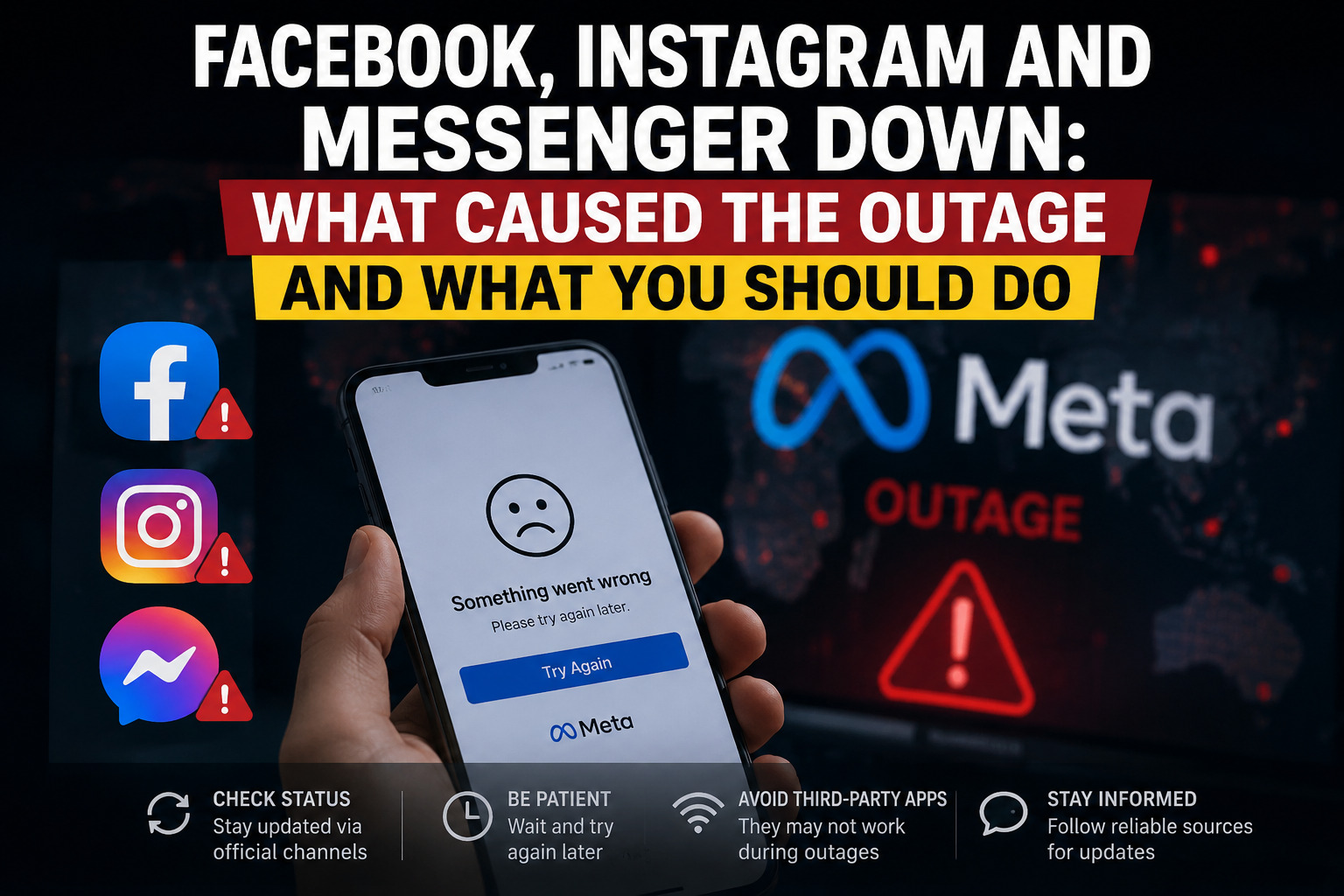
Meta apps hit by widespread login and access failures — here’s a breakdown of what happened, who was affected, and how to protect your account while service is unstable.
What Happened
Millions of users around the world found themselves suddenly logged out of Facebook, Instagram, and Messenger as a large-scale outage swept across Meta’s platforms. Reports poured in from multiple continents, with people in the United States, Europe, Africa, and Asia all describing the same issue: apps failing to load, accounts randomly signing out, and messages refusing to send.
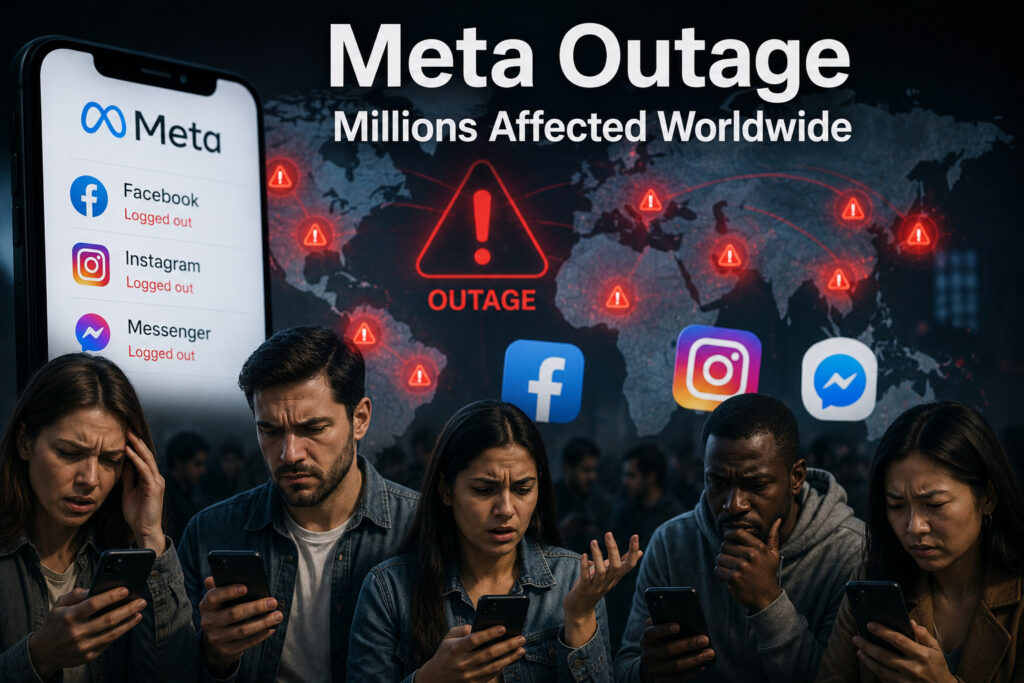
Outage-tracking services recorded a sharp spike in complaints within minutes, a pattern typical of a backend or server-side failure rather than a problem on any individual’s device. That distinction matters — when an outage originates on Meta’s servers, no amount of restarting your phone, clearing your cache, or reinstalling the app will fix it. The only real solution is to wait for Meta’s engineers to resolve the issue on their end.
Which Services Were Affected
The disruption wasn’t limited to one app. Here’s how each platform was impacted:
- Facebook — Widespread inability to load feeds, log in, or access the platform at all in several major cities.
- Instagram — A more partial outage, with some users able to browse but not post, comment, or refresh content.
- Messenger — Among the hardest hit. Many users were logged out without warning, appeared “offline” to contacts even while using the app, and saw messages stuck in a failed or pending state.
Because Facebook, Instagram, and Messenger all run on shared infrastructure, an issue in one part of Meta’s backend can — and often does — ripple across all three apps simultaneously.
Why This Keeps Happening
This wasn’t the first time Meta’s platforms have gone dark, and it likely won’t be the last. Large-scale outages at this kind of company are typically traced back to one of a few root causes:
- Configuration changes — A routine update to networking or authentication settings that has unintended side effects across the system.
- Third-party infrastructure issues — Problems with cloud hosting or content delivery partners that Meta relies on.
- Authentication and session-token failures — Issues specifically affecting login sessions, which explains why so many people were logged out rather than simply unable to load content.
Historically, Meta has confirmed that its most disruptive outages were not the result of hacking or cyberattacks, but of internal configuration errors that cascaded through its systems faster than they could be contained.
How Long Do These Outages Usually Last?
Based on past incidents, most Meta outages of this scale are resolved within one to three hours, though Meta typically rolls out fixes in waves — meaning some regions and users regain access well before others. Smaller, more contained disruptions on Instagram alone have historically cleared up in under 30 minutes.
What You Should Do While Facebook, Instagram, or Messenger Are Down
- Don’t panic-reset your password. Login failures during a platform-wide outage are almost never linked to a compromised account.
- Avoid third-party “fix it” tools or links. Outages are a common window for scammers to push fake “account recovery” sites — stick to official channels only.
- Check an outage tracker to confirm the issue is widespread and not specific to your device or network.
- Give it time. Since the failure is server-side, waiting is usually faster than troubleshooting.
The Bigger Picture
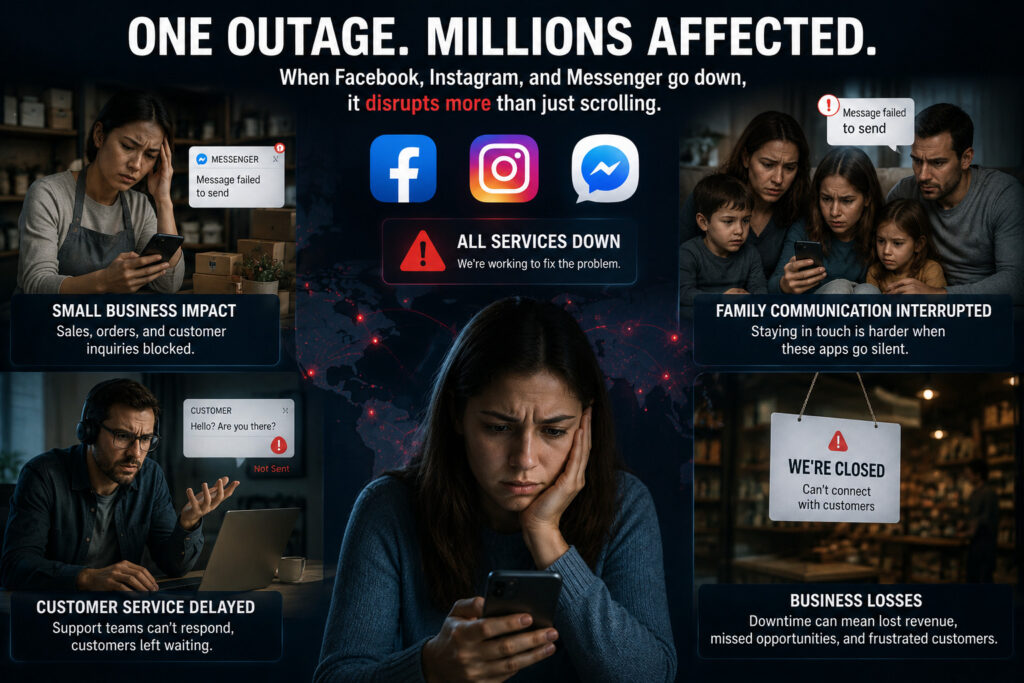
Outages like this are a reminder of just how much daily communication — for individuals and businesses alike — now runs through a small number of platforms owned by a single company. When Facebook, Instagram, and Messenger go down together, it doesn’t just interrupt scrolling; it disrupts customer service chats, small business sales through Messenger, and family communication that has shifted entirely to these apps.
Meta has not always been quick to publicly explain the technical root cause of these incidents in real time, which tends to fuel speculation on other platforms while the fix is underway. Until an official post-mortem is released, the safest approach for users is the same each time: stay off suspicious “recovery” links, monitor an outage tracker, and wait for the green light that service is fully restored.
Have you been affected by the outage? Drop a comment below and let us know which app gave you trouble first.